
Stop chasing bank alerts: a better way to handle shortlet payments in Nigeria
Clavibase
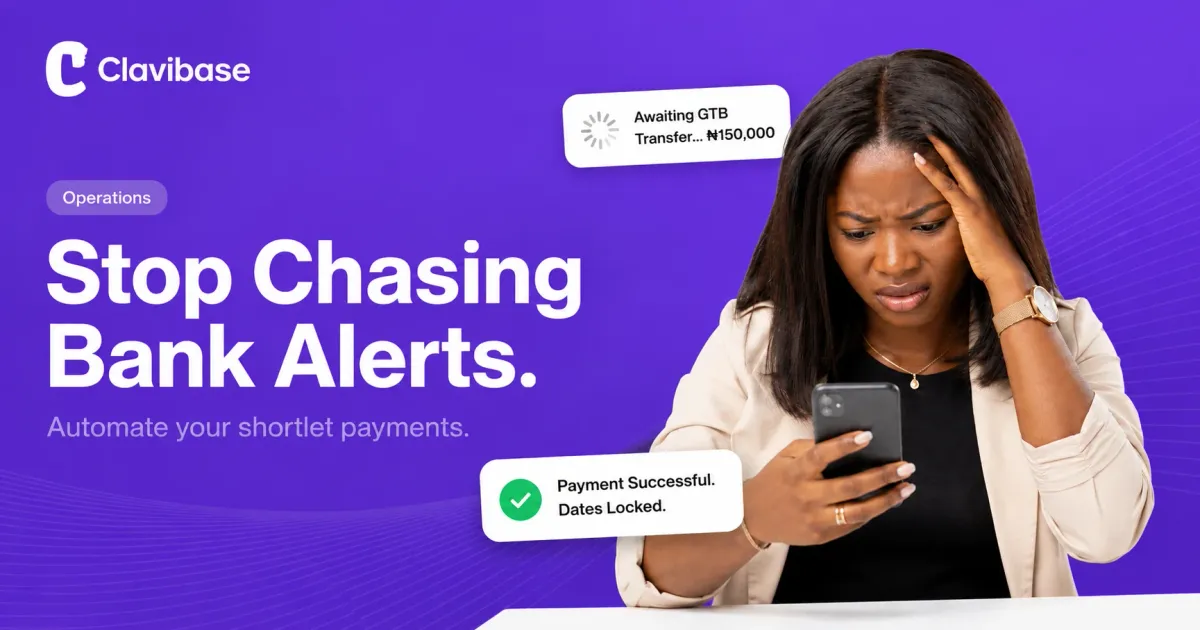
You know the standoff. A guest is at your gate, bags down, phone out, insisting they sent the transfer an hour ago. The screenshot looks real. Your bank app is still spinning. Do you let them in and hope the alert eventually drops, or make them wait outside while you refresh your app for the tenth time?
Plenty of hosts have lived a worse version of this: they let someone in late on a Friday after seeing a “successful” transfer screenshot, only to discover on Monday morning that the payment never landed or was reversed. By then, the guest is gone, and the night is gone with them.
Manual bank transfers and “send me the screenshot” verification create avoidable stress in a shortlet business. Here’s why they cost you more than they seem to and what to do instead.
Why manual transfers keep biting you
Bank transfers feel simple because everyone’s used to them, but they create real problems once you’re running this as a business and not a favour for a friend.
Fake alerts are a genuine risk. Fraudsters can produce convincing receipts and use apps that imitate SMS alerts, so a screenshot alone is not proof that funds have reached your account. Network delays create a different problem: a guest may send a legitimate transfer that does not appear promptly, turning a simple check-in into an argument that is nobody’s fault.
Then there’s your own bookkeeping. If you’re running more than one property, or taking bookings from a few different channels, your bank statement turns into a wall of random names and reference numbers. Matching each one to a guest and a set of dates in a spreadsheet is the kind of task that easily eats up your entire Sunday afternoon.
And it quietly costs you international guests. Diaspora Nigerians and foreign travellers often don’t have a local account to transfer from, and asking them to arrange an international wire just to book a weekend creates enough friction to send them to whoever makes it easier.
What changes with a payment gateway
Operators who have moved past this problem stop sending guests a personal account number and switch to a payment gateway such as Paystack, which sits between the host and the guest.
The difference shows up immediately. Verification happens in seconds, not hours: if the payment goes through, the booking is confirmed; if it fails, the guest finds out right away instead of you finding out three days later. Guests can also pay using whichever supported method suits them, including a card, USSD, or a one-time bank transfer generated for that booking and verified when it lands. Supported international cards go through the same checkout flow as local cards, so a guest booking from London or Toronto does not have to arrange a wire transfer.
There’s a trust dividend too. A guest who sees a proper checkout page, rather than a personal account number typed into a WhatsApp chat, reads your business as a business. It’s a small signal, but it can be the difference between “someone’s side hustle” and “a place I’d book again.”
How Clavibase handles this
You don’t need to be a developer or wire up a payment integration yourself. Clavibase comes with Paystack built in.
Here’s what that looks like in practice: your booking storefront takes guests through checkout directly, and the moment a payment clears, those dates lock on your calendar automatically, no manual updating required. The guest gets their receipt and confirmation instantly. And your payouts land in your account on a set schedule, so you’re not tracking down individual transfers to figure out what you’re owed.
The actual upside
Chasing bank alerts isn’t a skill worth building. Every hour spent squinting at a bank app or reconciling a spreadsheet is an hour not spent on the parts of the business that actually grow it.
Ready to stop chasing alerts? Start free with Clavibase and lock in automated payments.